 UploadMyWalk
How Far Have I Walked This Year? Your Walking Year in Review
Updated 19 October 2026
Your step count tells you how much you moved. It doesn't tell you how many walks you went on, how far you walked this year compared with last, or which was your best month. UploadMyWalk works that out from the walks themselves.
See your year
- Bring your walks in, straight from Apple Health in the iPhone app or as GPX, FIT or KML files.
- Open Menu and choose Stats.
- Scroll to Year in Review and pick a year: your distance, climb and number of walks, with comparisons such as how much of a marathon or of Ben Nevis that adds up to.
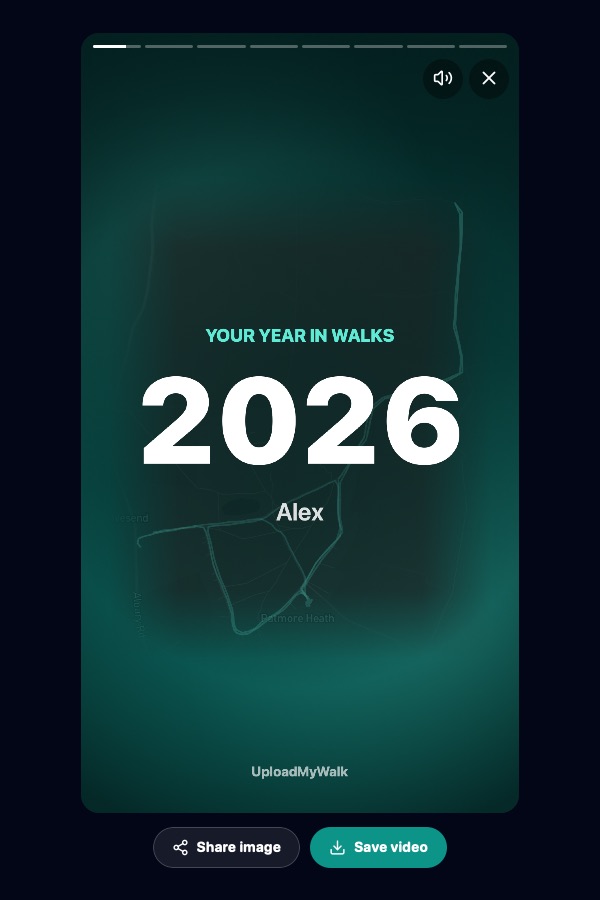
- Tap Play your year story for an animated recap you can save as a video or share a slide from.
Everything else in Stats
- Past 12 months by month, with your average walk and average pace.
- Year vs year: this year against any other, up to the same date.
- Streaks and a 12-month activity calendar.
- Records and milestones: longest walk, biggest climb, furthest from home.
- Badges with bronze, silver and gold levels, from Early Bird to Rain Walker.
- Heart rate: how your heart rate at your usual pace changes year by year.
- Walking goal: a target distance and deadline, with the distance per day you need.
You can reorder the sections or hide the ones you don't need with Customise.
Questions
Doesn't Apple Health already show my distance?
Apple Health adds up every step, including around the house and at work. UploadMyWalk counts the walks you actually went on, so you can see how many you did, how far each was and how this year compares with last.
Can I set a walking target?
Yes. Turn on Walking Goal in Settings and set a distance and a deadline. Stats then shows how far you have to go and the distance per day you need.
Try UploadMyWalk free
Every feature is free for up to 5 walks. The UploadMyWalk iPhone app is coming soon to the App Store. On a computer, bring in GPX, FIT or KML files on the website.
Get started freeSee an example walk in 3D