 UploadMyWalk
How to Export GPX and FIT Files from Apple Watch, Garmin, Samsung, Strava and More
Updated 19 October 2026
GPX and FIT files hold your walk's route, times and often your heart rate. Here's how to get them out of the most popular watches and apps. Once you have a file, drop it into UploadMyWalk to see the walk in 3D with its elevation and the weather on the day.
Apple Watch and Apple Health
Easiest: no files at all. The UploadMyWalk iPhone app reads your walks straight from Apple Health, routes and heart rate included (how it works). The UploadMyWalk iPhone app is coming soon to the App Store.
For the website: Apple's Fitness app has no "Export GPX" button, so use an app that can export from Apple Health, such as HealthFit, RunGap or WorkOutDoors:
- Install the app and allow it to read Apple Health.
- Pick your walk and choose Export GPX or Export FIT.
- Save the file to iCloud Drive or AirDrop it to your computer, then drop it into UploadMyWalk.
Garmin (Fenix, Forerunner, Venu, Epix and others)
- Sign in at connect.garmin.com on a computer.
- Go to Activities, then All Activities, and open your walk.
- Click the gear icon at the top right and choose Export to GPX, or Export Original for the full FIT file.
Samsung Galaxy Watch and Samsung Health
- Open Samsung Health and tap the walk under Exercise (it needs GPS, shown by a map at the top).
- Tap the three dots at the top right.
- Choose Export as GPX and save it to your phone or Google Drive.
Strava
- Open the walk on strava.com in a computer browser.
- Click the three dots in the left-hand panel.
- Choose Export GPX.
Komoot
- Open your completed tour on komoot.com or in the app.
- Choose Download GPX (on the website, under the tour's options).
AllTrails
Open the recorded activity, choose Share or the three dots, then Download route and pick GPX Track. Some download options need an AllTrails subscription.
What next?
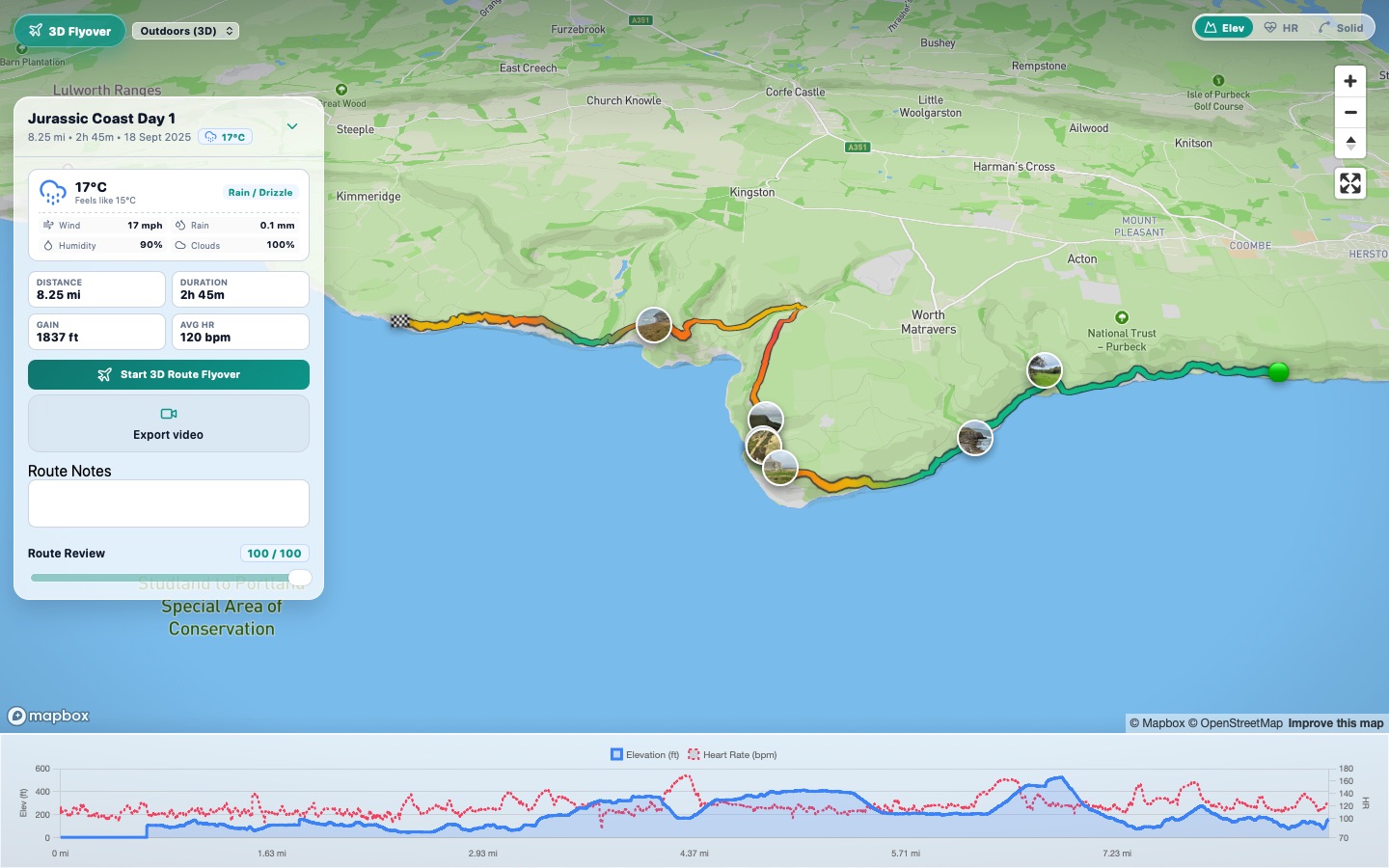
Drop one file or many into UploadMyWalk. Each walk gets its own 3D map, elevation profile and the weather on the day, and you can make a 3D flyover video of it.
Try UploadMyWalk free
Every feature is free for up to 5 walks. The UploadMyWalk iPhone app is coming soon to the App Store. On a computer, bring in GPX, FIT or KML files on the website.
Get started freeSee an example walk in 3D