 UploadMyWalk
See Every Walk You've Ever Done on One Map
Updated 19 October 2026
One walk on a map is a nice memory. Every walk on one map shows you something new: the paths you always come back to, the places you have only been once, and the gaps you have never explored.
How to do it
- Bring your walks into UploadMyWalk, straight from Apple Health in the iPhone app or as GPX, FIT or KML files (how to export them).
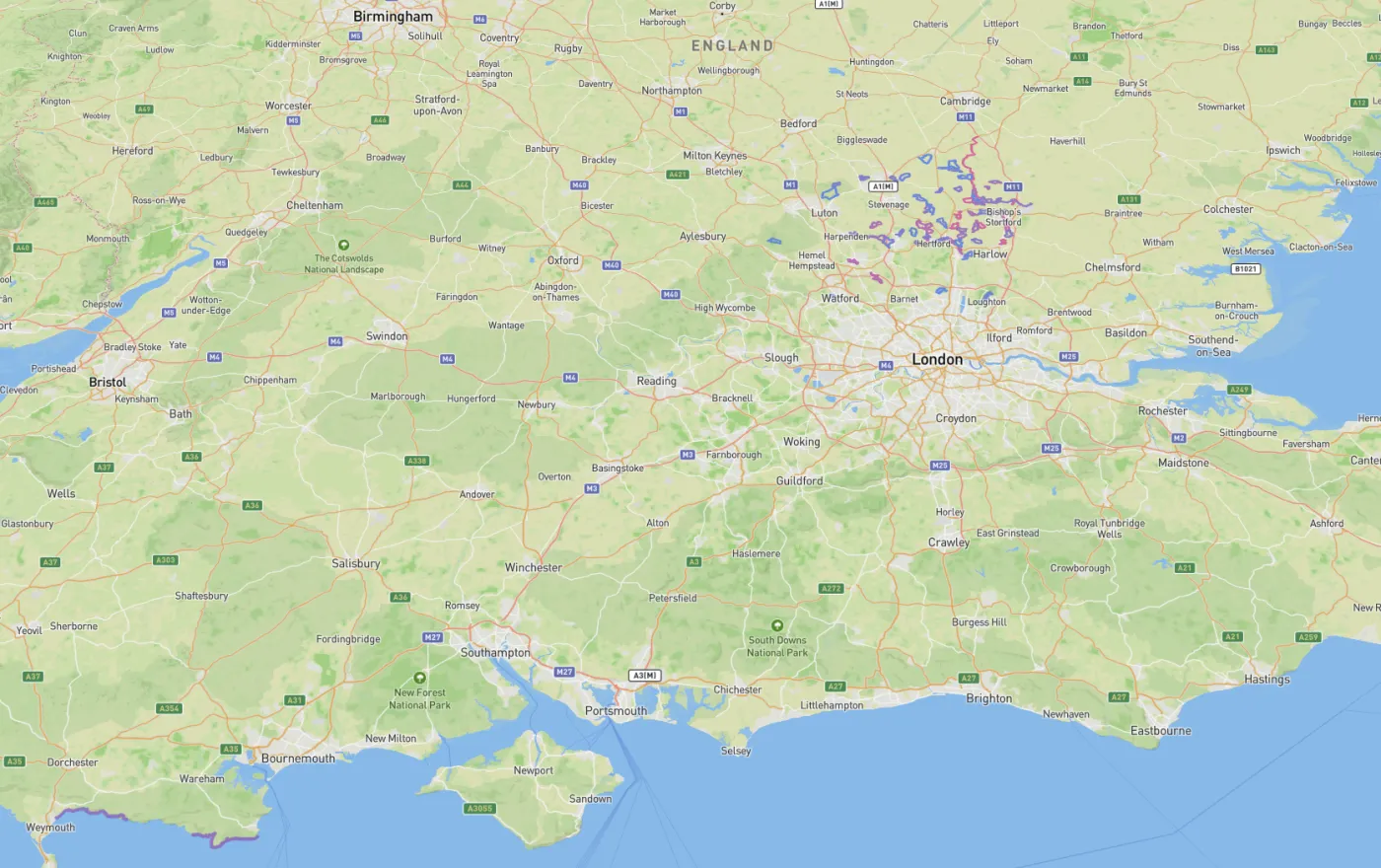
- Open Menu and choose View All on Map.
- Switch between Routes, which draws every walk, and Heatmap, which glows brightest where you walk most.
- Tap a route to see which walk it was and open it.
Explorer Tiles: how much ground have you covered?
In Stats, Explorer Tiles counts the map squares of about 1.2 km that your walks have passed through, and your largest connected area. Tap View Map to see them, and plan a walk into the squares you haven't reached yet.
Set your home
Add your home in Settings and Stats will show your furthest walk from home, and the filter can pick out walks by distance from home.
Questions
Can I see only one year, or only long walks?
Yes. Use Filter in your journal to narrow your walks by name, distance, rating or distance from home, then open the map.
What are Explorer Tiles?
The map is divided into squares of about 1.2 km. Every square one of your walks passes through is unlocked, so you can see how much ground you have covered and spot areas you have never walked.
Try UploadMyWalk free
Every feature is free for up to 5 walks. The UploadMyWalk iPhone app is coming soon to the App Store. On a computer, bring in GPX, FIT or KML files on the website.
Get started freeSee an example walk in 3D